 Reel
- Android app
- Completely free
- No ads
- No tracking
- No accounts
- Android 8 or newer
What it does
Sound for every movie
Built-in FFmpeg decoders for Dolby and DTS audio, which kick in automatically when your phone does not support them.
Smooth seeking
Drag the progress bar and watch the picture move with your finger, or swipe horizontally on the screen to go forward and back.
Turn the screen off and the sound keeps going
A neat lock-screen widget with a frame from the video. Choose "play/pause only" to prevent seeking by mistake.
Organised by folders
Just two pages: video and audio, each organised by folders. Create a folder, rename it, move files into it, or delete it.
Every video remembers its position
You start from where you stopped, with a "from the beginning" button and a small progress bar on the thumbnail.
Full gestures
Brightness and volume up to 200%, double tap to skip, free two-finger zoom, and a screen lock.
Subtitles and audio tracks
Choose the audio and subtitle track, or load .srt and .ass files, and control the subtitle size, colour and background.
Plenty of options
Speed from 0.25× to 4×, a sleep timer, repeat, a playlist, picture-in-picture, and a black AMOLED theme.
Preview and screenshot
A thumbnail above the progress bar while you drag, and a button to save a frame at the video's full resolution.
Subtitle delay
Adjust the subtitle timing from −10 to +10 seconds until it matches the speech.
Music in the background
An audio page organised by folders, with controls in the notification and on the headset, plus shuffle and repeat.
Why Reel?
We collected the most common complaints from users of popular video players, and built the answer to each one:
Annoying ads (banners, full screen, floating icons)
Where it shows up: the free MX Player, KMPlayer, XPlayer. What Reel does: zero ads and zero trackers.
"EAC3/DTS audio format not supported" and the video has no sound
Where it shows up: MX Player after the Dolby/DTS decoders were removed. What Reel does: the decoders are built in, with no extra packs.
A crowded or complicated interface
Where it shows up: VLC, mpv. What Reel does: just two tabs, video and music, and a single search.
Losing your place in a video
Where it shows up: many players. What Reel does: automatic resume for every video.
Music stops when the screen turns off
Where it shows up: players made for video. What Reel does: a real background music service.
Getting started
- 01
Download
Tap the download button above from your phone.
- 02
Open the file
Open the file, and if Android asks, allow "installing from this source".
- 03
Allow access
Open Reel and allow it to access your video and music.
Google Play Protect may show a warning because the app is not published on the store. The app contains no ads and sends no data, and the internet permission is used only when you play a link from the internet yourself.
More
All apps
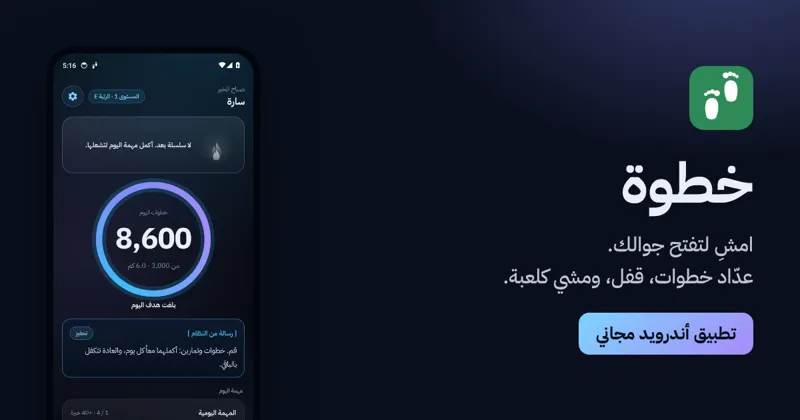
KhatwaAndroid app
Counts your steps, locks your phone until you walk, and turns walking into a game.

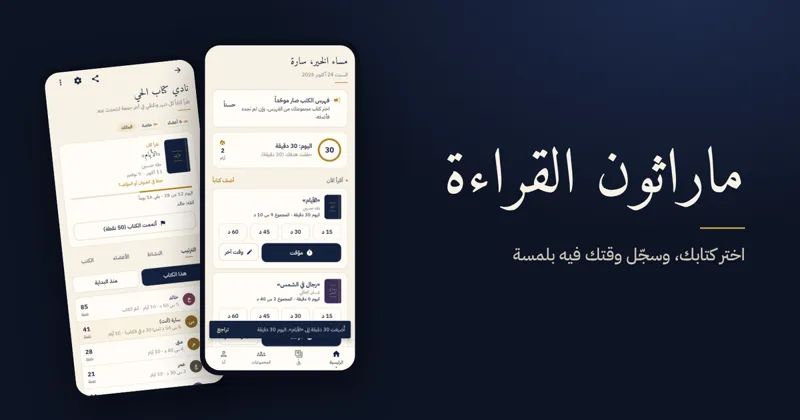
Reading MarathonAndroid app
One shared book per challenge, a daily log, points and badges for reading groups.

ShashaAndroid TV · Android
Calm YouTube for the family TV and phone: no ads, with full protection for children.