 Voxa
- Web app · Android
- Free app
- Browser and Android
- Arabic and English
- Needs a free Gemini key from Google
Watch
Voxa in two minutes
What it does
Any audio or video
A file in any common format, several files at once, a microphone recording, a YouTube link, or a direct share from WhatsApp on Android.
Who said what
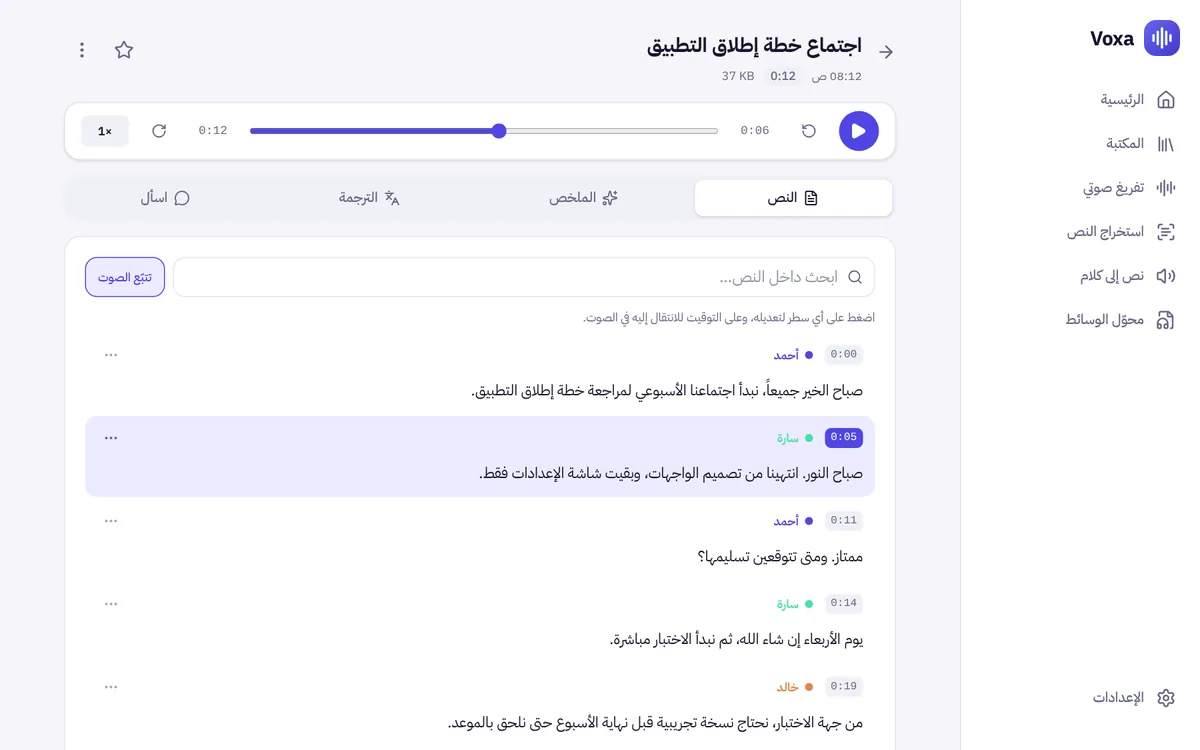
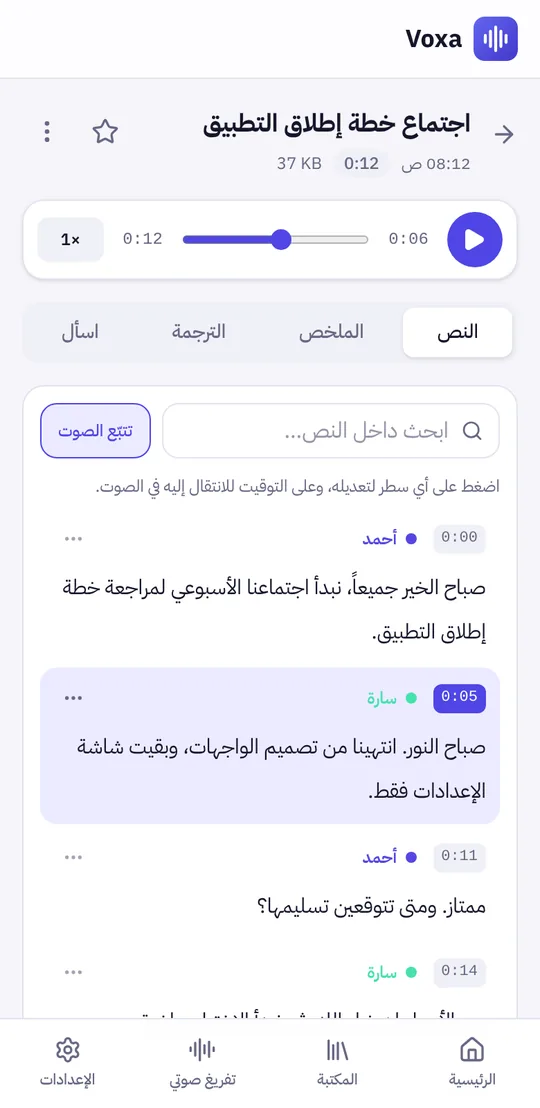
It tells the speakers apart. Name each speaker once and the name is applied to the whole text.
Timestamps that take you to the audio
Tap the timestamp of any line to play the audio from there, edit the text with a tap, and search inside it and across your whole library.
Summary, translation and questions
A summary with the key points and tasks, line-by-line translation, and you can ask the recording any question and get an answer from its content.
Export
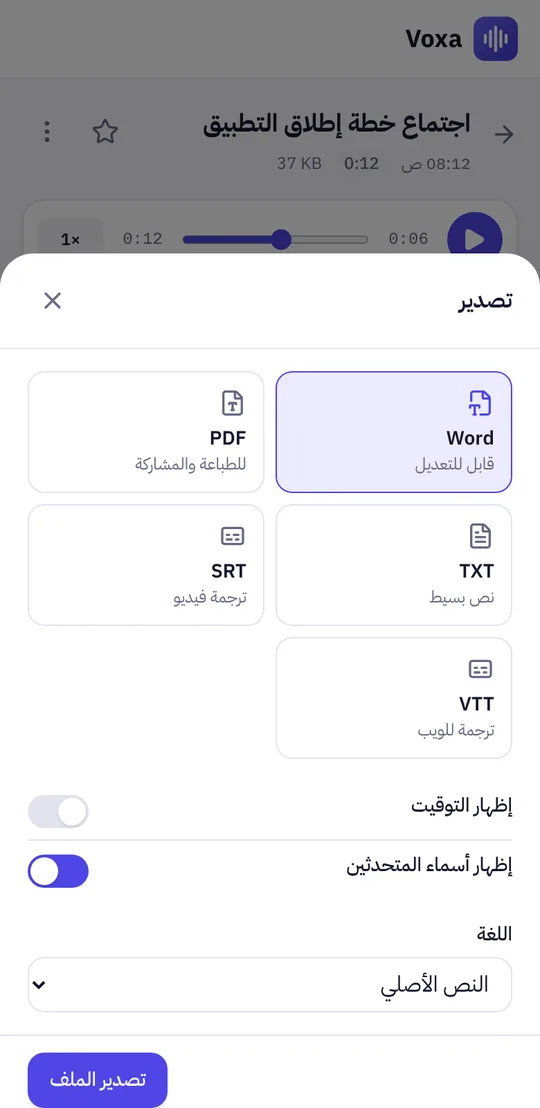
Word, PDF and TXT, plus SRT and VTT video subtitle files, with or without timestamps and speaker names.
Other tools
Extract text from images and PDF files, turn text into speech, and convert audio and video with a converter that runs on your device.
Screens
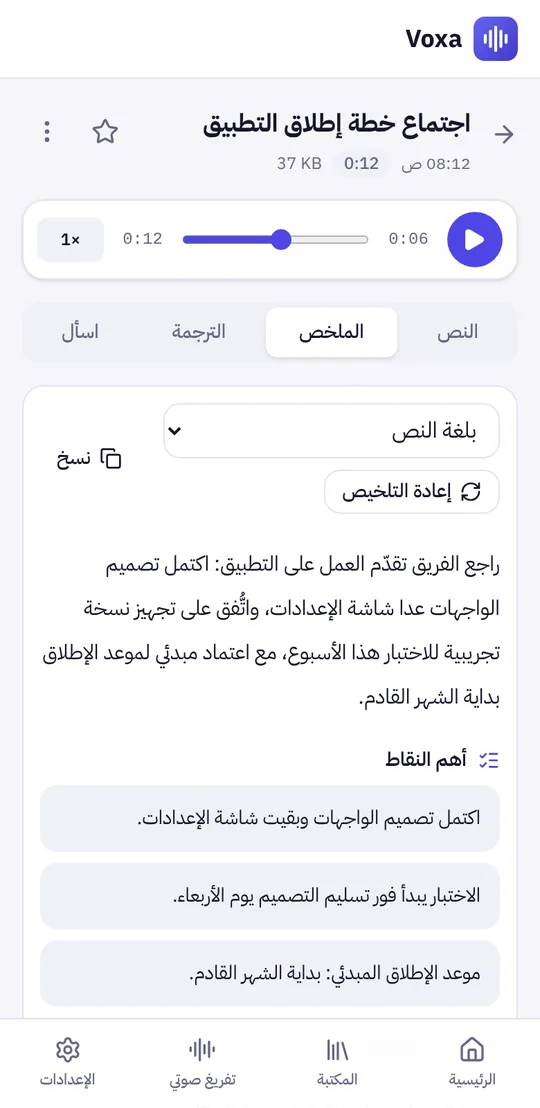
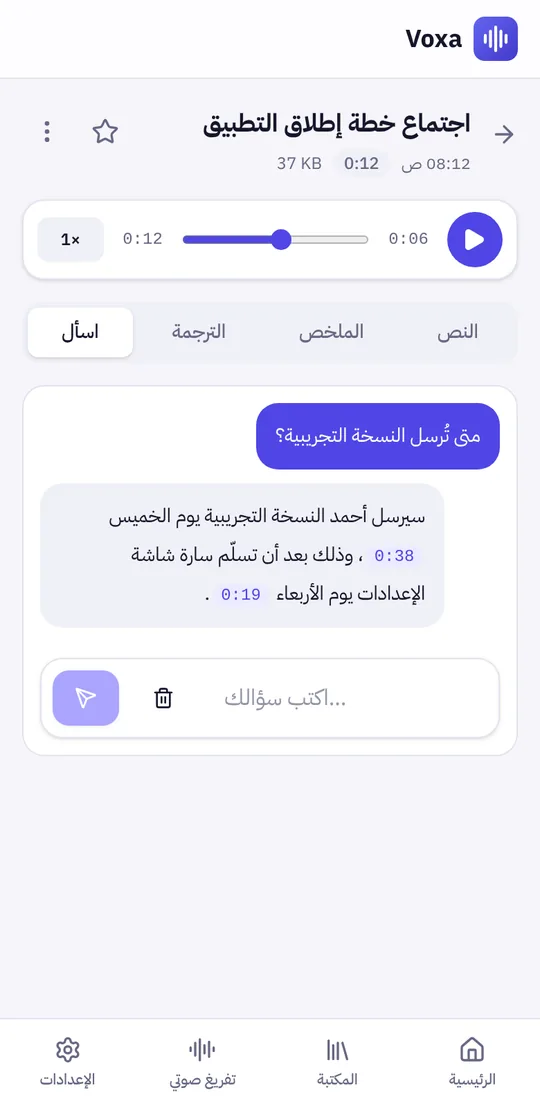
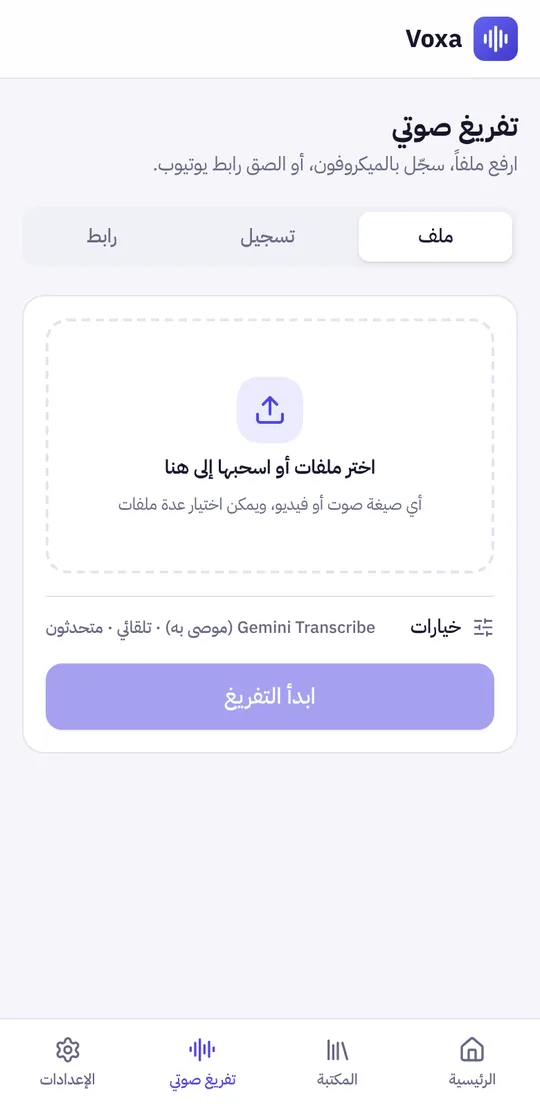
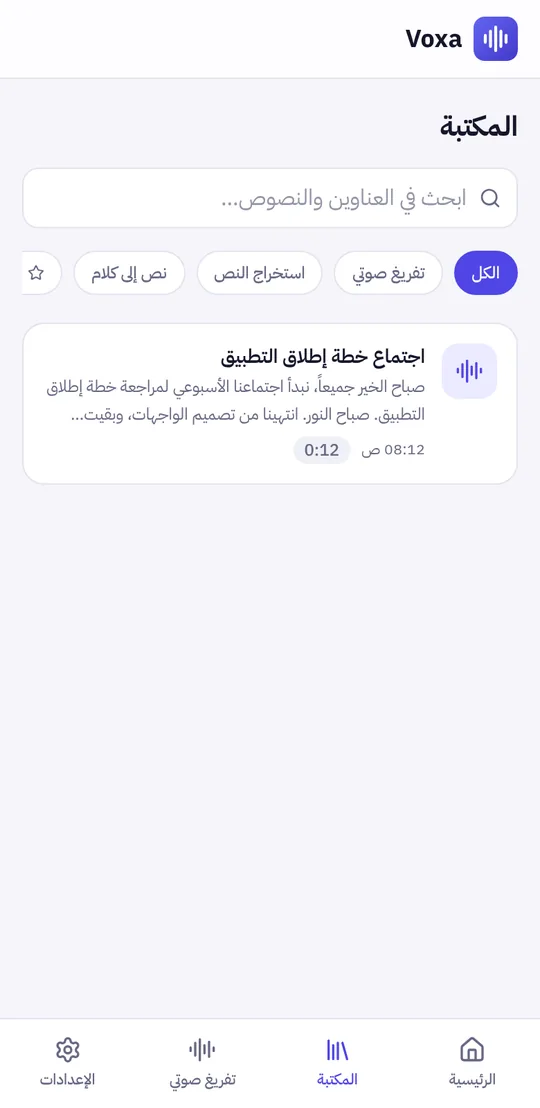
Getting started
- 01
Open Voxa
Straight in the browser, or download the APK file and open it on Android. If you are asked to "allow installing from this source", allow it.
- 02
Add the free Gemini key
Create it at aistudio.google.com/apikey with a Google account, no card needed, then paste it in "Settings" and press "Save and test".
- 03
Upload your first recording
In "Transcription", choose a file or record, and keep the app open until it finishes. On Android: in WhatsApp, press and hold the voice note, then Share, then Voxa.
Questions
Is it free?
Yes. The app is free and runs on your own Google key within the free daily quota. If the quota runs out, it comes back the next day.
Where are my recordings and texts kept?
On your device. The app has no server of its own: the audio is sent straight from your device to Google's service to be transcribed.
What about privacy?
On the free plan, Google may use the content you send to improve its products, so do not upload confidential recordings.
Does it support Arabic dialects?
It accepts Arabic in its dialects and English. Accuracy varies with the dialect and how clear the recording is. You can edit any line after transcription.
Is there a file size limit?
Long recordings are split automatically, and if the work is interrupted it resumes from where it stopped. Very large videos are faster on a computer than on a phone.
How do I update the Android app?
Download the latest APK file from this page and install it over the old one. Your data stays.
Everything runs inside the browser or the app, and your library is kept on your device even without an account.
The pictures and video on this page show the real app with sample content for illustration.
More
All apps
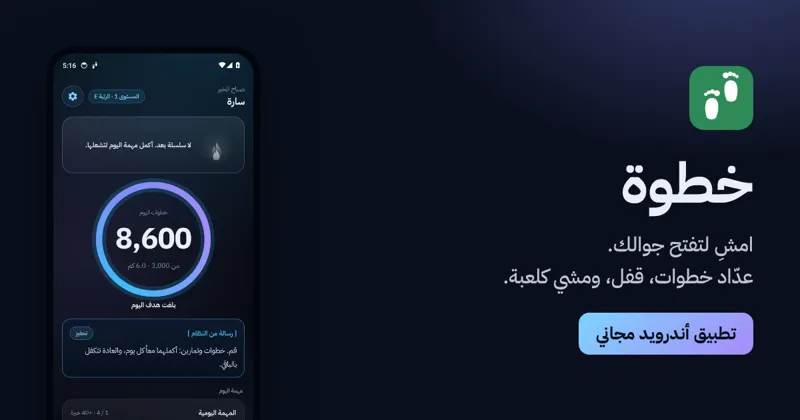
KhatwaAndroid app
Counts your steps, locks your phone until you walk, and turns walking into a game.

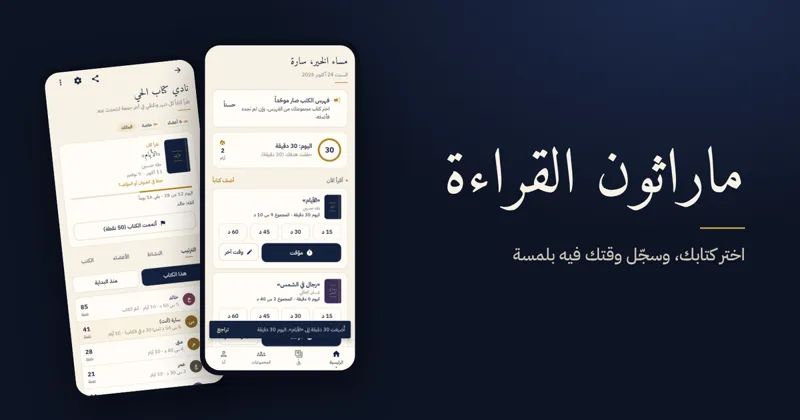
Reading MarathonAndroid app
One shared book per challenge, a daily log, points and badges for reading groups.
ShashaAndroid TV · Android
Calm YouTube for the family TV and phone: no ads, with full protection for children.